Job scheduling software for trades
One calendar for the whole team, built around jobs: the quote becomes the booking, multi-day work sits where it belongs, and you can see the week before Monday arrives.
Start 14-day free trial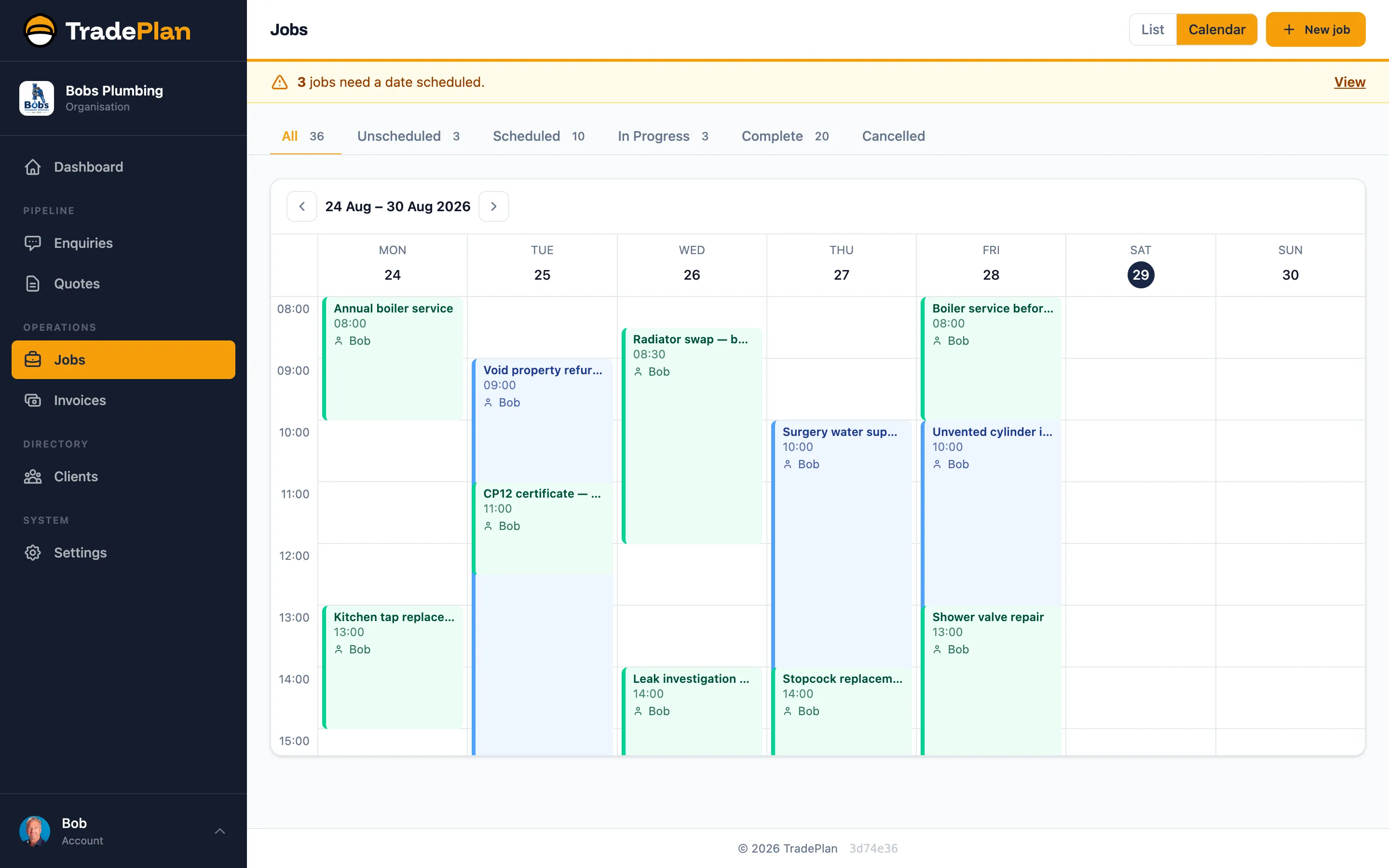
Accepted quotes become jobs
No retyping: the job carries the client, address and what was quoted.
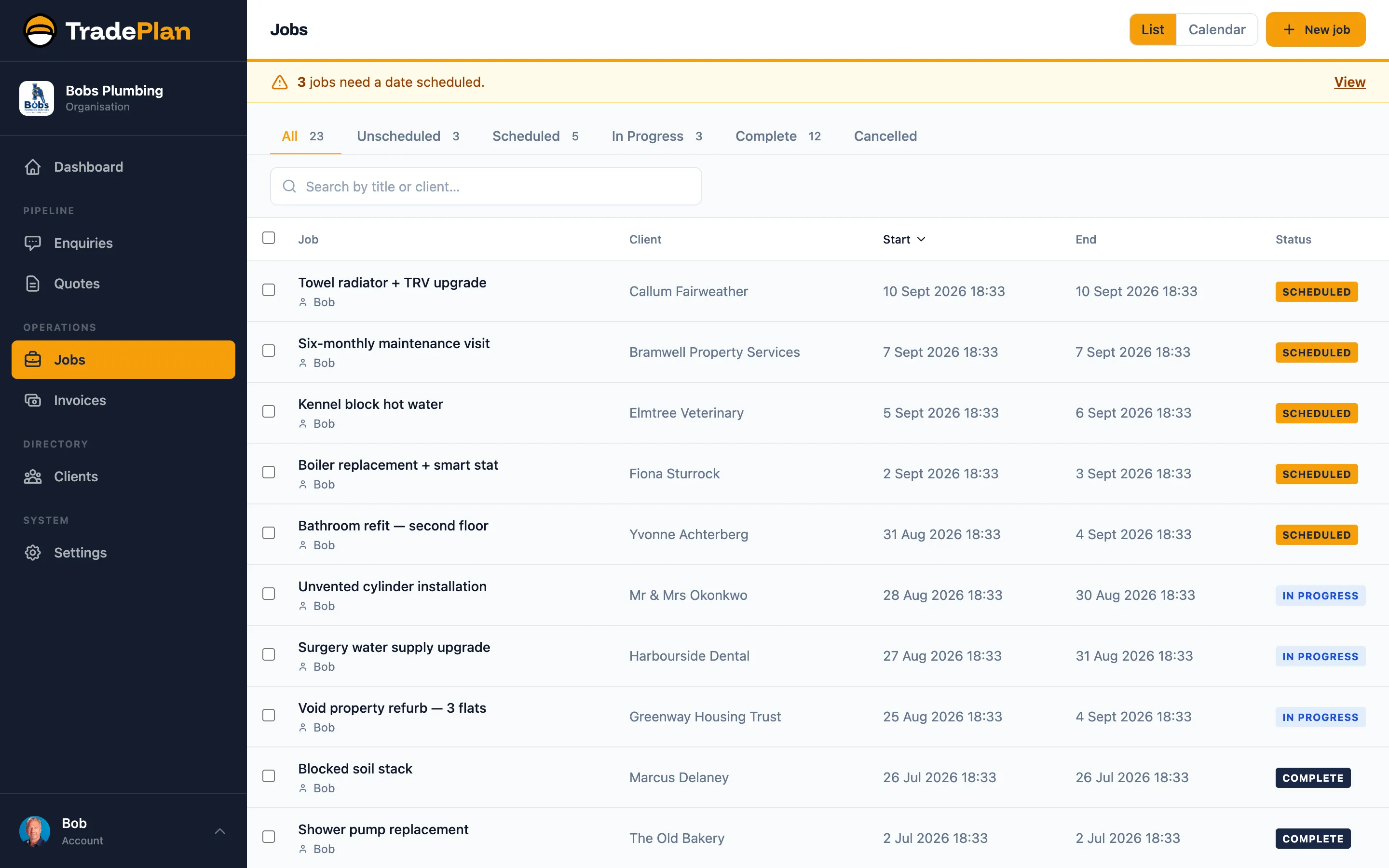
Week and list views
See the shape of the week, or a list of everything still waiting for a date.
Multi-day jobs done properly
A three-day install sits across three days, so the gaps around it are real gaps.
One calendar for the team
Add your team as users with their own roles; everyone sees the same schedule.
Nothing double-booked
See clashes before you promise a date, not after.
On your phone
Check tomorrow’s jobs and the client details from site.
Every job, one list
Alongside the calendar, the jobs list shows what is booked, what is waiting for a date and what is finished and ready to invoice.
Scheduling tips from the blog: job scheduling best practices for tradespeople, winter scheduling, and scheduling your tools and plant alongside the team.
Scheduling questions
What is job scheduling software for trades?
A shared calendar built around jobs rather than appointments: each booking knows the client, the address and what was quoted, and multi-day work shows as multi-day.
Can my whole team see the schedule?
Yes. Add each person as a user with the right permissions and everyone works from the same calendar.
Does it do quotes and invoices too?
Yes. Scheduling is one part of TradePlan: quotes, jobs and invoices live together, for £33 per user per month with every feature.
Get your evenings back
Set up your price list, send your first quote, and see the difference by the end of the week.
Start your 14-day free trialNo credit card required. No setup fees. Cancel anytime.